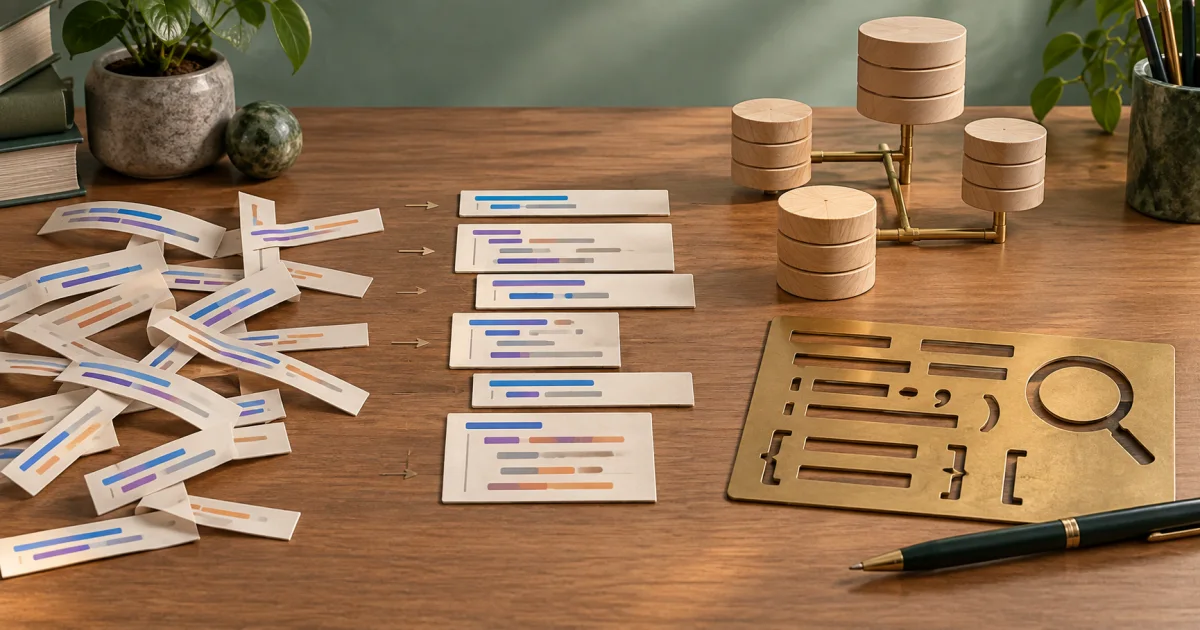
Use the SQL Formatter on FindUtils to format SQL text and review basic warnings. Its checks do not parse every SQL dialect or connect to a database. Review quoted values and comments before you reuse the output.
Unformatted SQL queries become unreadable fast, especially when written on one line or with inconsistent indentation. A SELECT with JOINs sprawled across 200 characters is nearly impossible to debug. The findutils.com SQL formatter solves this by restructuring your queries with proper keyword casing, indentation, and line breaks.
Why Format SQL
Readability — Complex queries become understandable Debugging — Spot missing JOINs, WHERE clauses easily Consistency — Team uses same formatting standard Performance — Formatted queries easier to optimize Collaboration — Teammates can review and modify
SQL Formatting Best Practices
Keyword Casing
Consistent uppercase or lowercase for SQL keywords:
Good (Uppercase):
SELECT id, name
FROM users
WHERE age > 18
Good (Lowercase):
select id, name
from users
where age > 18
Bad (Mixed):
SELECT id, name FROM users WHERE age > 18
Indentation
Nested clauses indented for clarity:
Good:
SELECT u.id, u.name, COUNT(o.id) AS order_count
FROM users u
LEFT JOIN orders o ON u.id = o.user_id
WHERE u.age > 18
GROUP BY u.id, u.name
HAVING COUNT(o.id) > 5
ORDER BY order_count DESC
Bad:
SELECT u.id, u.name, COUNT(o.id) AS order_count FROM users u LEFT JOIN orders o ON u.id = o.user_id WHERE u.age > 18 GROUP BY u.id, u.name HAVING COUNT(o.id) > 5 ORDER BY order_count DESC
Column Alignment
List columns vertically for readability:
Good:
SELECT
 u.id,
 u.name,
 u.email,
 u.created_at
FROM users u
Bad:
SELECT u.id, u.name, u.email, u.created_at FROM users u
Getting Started
Use the FindUtils SQL Formatter to format and validate SQL queries.
Formatting and minification use text rules. Compare string literals before and after either operation. Repeated spaces inside a quoted value can change. A -- inside a string can also be mistaken for a comment during minification.
Step-by-Step: Formatting SQL
Step 1: Paste Query
Open the SQL Formatter and paste your SQL query.
Step 2: Select Database
Choose the closest available dialect:
- Standard SQL
- MySQL
- PostgreSQL
- SQLite
Importance: Different databases have slightly different SQL syntax.
Step 3: Choose Formatting Style
Select Format mode and an indentation width. The formatter uppercases recognized SQL keywords. Use Minify mode only after you check the original literals and comments.
Step 4: Format
The output updates after the input or formatting option changes.
Step 5: Review and Copy
Copy formatted query to your application or database client.
Step-by-Step: Checking SQL Warnings
- Paste a sample query into the formatter.
- Review the warnings for parentheses, quotes, and selected incomplete clauses.
- Correct a reported issue in the original query.
- Compare quoted values and comments before you copy the output.
- Use the target database parser in an approved test environment for a complete syntax check.
A clear warning panel does not prove that tables exist, column types agree, or a query executes safely. The browser tool does not inspect a database schema.
Common SQL Queries & Formatting
Simple SELECT Query
Minified:
SELECT
 id,
 name,
 email
FROM users
WHERE active = 1
ORDER BY name ASC
Formatted:
SELECT id, name, email FROM users WHERE active = 1 ORDER BY name ASC
JOIN Query
Minified:
SELECT u.id, u.name, COUNT(o.id) as order_count FROM users u LEFT JOIN orders o ON u.id = o.user_id GROUP BY u.id, u.name HAVING COUNT(o.id) > 0 ORDER BY order_count DESC
Formatted:
SELECT
 u.id,
 u.name,
 COUNT(o.id) AS order_count
FROM users u
LEFT JOIN orders o ON u.id = o.user_id
GROUP BY u.id, u.name
HAVING COUNT(o.id) > 0
ORDER BY order_count DESC
Subquery
Minified:
SELECT * FROM users WHERE id IN (SELECT user_id FROM orders WHERE total > 100) AND created_at > '2025-01-01'
Formatted:
SELECT *
FROM users
WHERE id IN (
 SELECT user_id
 FROM orders
 WHERE total > 100
)
AND created_at > '2025-01-01'
Common SQL Mistakes
Mistake 1: Mismatched Parentheses
SELECT *
FROM users
WHERE (age > 18 AND status = 'active' -- Missing closing parenthesis
Fix: Add closing parenthesis
SELECT *
FROM users
WHERE (age > 18 AND status = 'active')
Mistake 2: Missing Commas Between Columns
SELECT
 id
 name
 email
FROM users
Fix: Add commas after each column
SELECT
 id,
 name,
 email
FROM users
Mistake 3: Case Sensitivity in Database Names
Different databases handle case differently:
Problem: Works locally (case-insensitive), fails in production (case-sensitive)
Solution: Use consistent case in schema names. Check your database's case sensitivity rules.
Mistake 4: Unquoted String Literals
SELECT * FROM users WHERE name = John -- 'John' should be quoted
Fix: Quote string values
SELECT * FROM users WHERE name = 'John'
Mistake 5: Missing WHERE Clause in Updates
UPDATE users SET active = 0 -- Updates ALL rows!
Fix: Always include WHERE clause
UPDATE users SET active = 0 WHERE id = 123
SQL Validation Levels
Syntax Validation
Checks for SQL grammar errors:
- Missing commas
- Mismatched parentheses
- Invalid keywords
- Unquoted strings
Always catches: Grammar errors May miss: Logic errors
Schema Validation (requires database connection)
Checks against actual database:
- Table exists
- Column exists
- Column type is compatible
- Foreign keys are valid
Catches: References to non-existent tables/columns Requires: Live database connection
Query Optimization (advanced)
Analyzes query performance:
- Suggests missing indexes
- Identifies full table scans
- Points out inefficient JOINs
- Estimates execution time
Requires: Advanced tool and database connection
Database-Specific Differences
MySQL vs PostgreSQL
MySQL:
SELECT * FROM users LIMIT 10
PostgreSQL:
SELECT * FROM users LIMIT 10 -- Same syntax
MySQL (REPLACE):
REPLACE INTO users (id, name) VALUES (1, 'John')
PostgreSQL (No REPLACE):
INSERT INTO users (id, name) VALUES (1, 'John')
ON CONFLICT (id) DO UPDATE SET name = 'John'
SQL Server vs MySQL
SQL Server:
SELECT TOP 10 * FROM users
MySQL:
SELECT * FROM users LIMIT 10
Note: Different syntax for the same operation.
Performance Tips
Index Selection
For frequently searched columns:
CREATE INDEX idx_email ON users(email)
Then query uses index:
SELECT * FROM users WHERE email = 'user@example.com' -- Fast!
Query Optimization
Slow (full table scan):
SELECT * FROM users WHERE YEAR(created_at) = 2025
Fast (uses index):
SELECT * FROM users WHERE created_at >= '2025-01-01' AND created_at < '2026-01-01'
Avoiding N+1 Queries
Slow (N+1 problem):
SELECT * FROM users; -- Query 1: returns 100 users
-- Then in application loop:
 SELECT * FROM orders WHERE user_id = ?; -- Query 2-101: 100 separate queries!
Fast (JOIN):
SELECT u.*, COUNT(o.id) AS order_count
FROM users u
LEFT JOIN orders o ON u.id = o.user_id
GROUP BY u.id
One query instead of 101.
Input note: Use a sample query in the SQL Formatter. Local formatting does not justify sharing confidential table names, credentials, or production data.
Real-World Scenarios
Scenario 1: Debugging Complex Query
Task: Report taking 30 seconds to generate
- Copy query from application logs
- Paste into SQL Formatter
- Format to see structure clearly
- Identify missing indexes
- Add index to database
- Query now takes 1 second
Time: 5 minutes vs hours of guessing
Scenario 2: Code Review
Task: Review colleague's SQL changes
- Get original query
- Get modified query
- Format both using SQL Formatter
- Compare formatted versions
- Identify changes and intent
- Approve or request changes
Time: 10 minutes
Scenario 3: Learning SQL
Task: Learn SQL JOIN syntax
- Find example query online
- Paste into SQL Formatter
- View properly formatted with indentation
- Understand structure
- Modify and test variations
- Understand how JOINs work
Time: 15-30 minutes with hands-on testing
Tools Used in This Guide
- SQL Formatter — Format and validate SQL queries
- Code Formatter — Format other code types
- JSON to CSV Converter — Convert query results to CSV
Formatting does not validate database behavior
A formatter changes presentation. It does not connect to the target database, verify table names, check permissions, or prove that a query is efficient. A syntax check also does not prove those properties.
Confirm the database dialect before you use a query. Review the execution plan and results in an approved test environment when the query changes data or has a performance requirement.
How FindUtils Compares to Other SQL Formatters
| Capability | FindUtils |
|---|---|
| Client-side processing | Yes |
| No account required | Yes |
| Multi-dialect support | Yes |
| Syntax validation | Yes |
| Query optimization tips | No |
| No data uploaded | Yes |
| Mobile-friendly | Yes |
| No install required | Yes |
| Instant formatting | Yes |
FAQ
Q1: Which SQL dialect should I use? A: Use the same as your database (MySQL, PostgreSQL, etc.). Most syntax is portable.
Q2: Does formatting change query behavior? A: No. Formatting only changes readability, not logic.
Q3: Should I format all queries? A: Yes. Readable queries are easier to maintain and optimize.
Q4: Can I validate without a database connection? A: Yes, syntax validation works without connection. Schema validation needs connection.
Q5: How do I optimize slow queries? A: Format the query, check for missing indexes, avoid nested subqueries, consider JOINs instead.
Q6: What's the difference between WHERE and HAVING? A: WHERE filters rows before grouping. HAVING filters groups after grouping.
Q7: Is it safe to format production SQL queries online? A: The formatter processes the supplied text in the browser. Use a sample query for testing. Local formatting does not establish a complete security guarantee for production data.
Q8: Can I format stored procedures? A: Some tools support it. Complex procedures may require manual formatting.
Next Steps
- Master Code Formatting for other languages
- Learn Data Conversion for query results
- Explore JSON to CSV for exporting query results
- Return to Developer Tools Guide
Write clean SQL, think clearly!