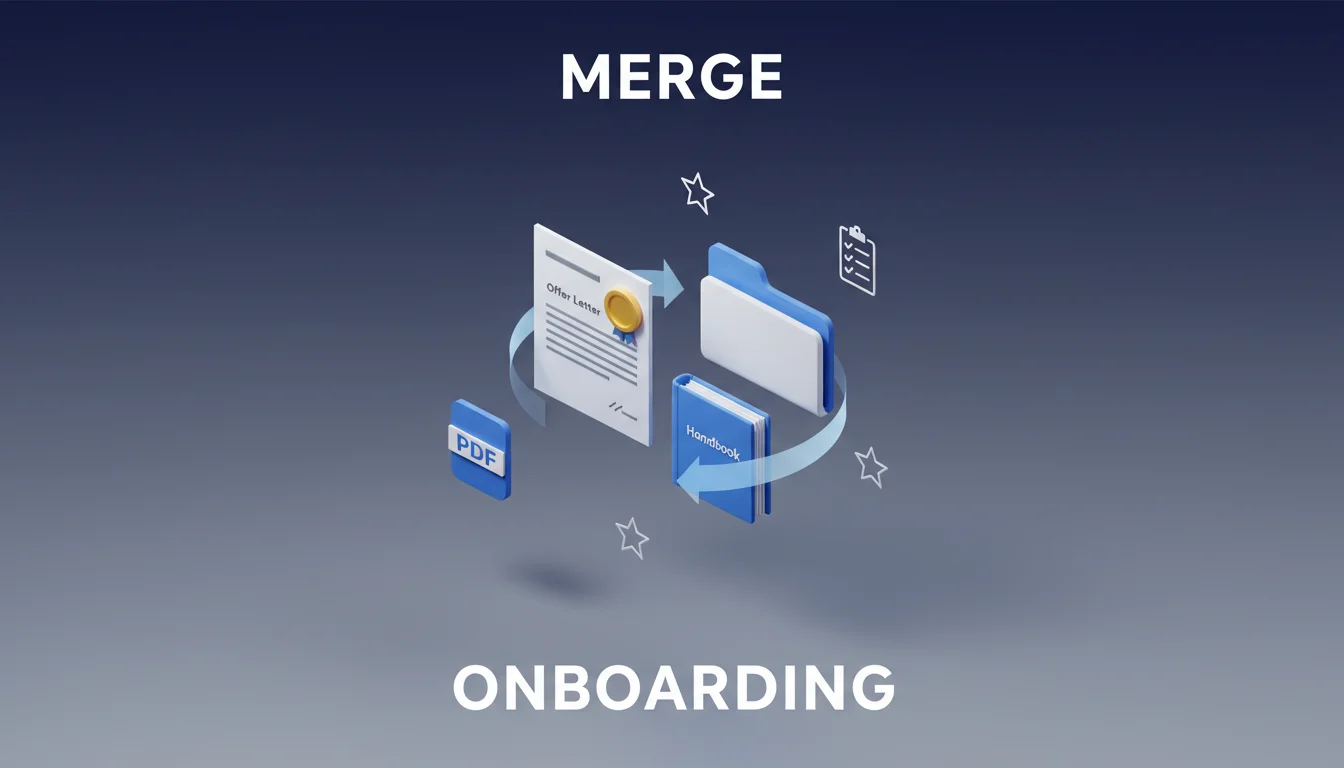
Streamlining HR Onboarding: Merging Employee Handbooks with Personalized Offer Letters
First impressions are everything in the corporate world. Imagine a new hire receiving a scattered collection of five different emails, three separate attachments, and a link to a generic Google Drive folder on their first day. It is overwhelming, confusing, and frankly, a bit unprofessional. HR onboarding should feel like a warm welcome, not a disorganized scavenger hunt. By merging your personalized offer letters directly with the employee handbook into a single, cohesive document, you create a seamless transition from "candidate" to "team member."
Table of Contents
- The Importance of a Unified Onboarding Document
- Why Personalized Offer Letters Matter
- Step-by-Step Guide to Merging HR Documents
- Common Mistakes in HR Document Management
- Quick Tips for a Better Onboarding Experience
- Try it with PDF Editor
- The Long-Term Benefits of Streamlined HR Workflows
The Importance of a Unified Onboarding Document
The onboarding process is the first real test of your company’s internal culture. When you consolidate information, you reduce the cognitive load on the new employee. Instead of hunting through different files to find the dress code, the holiday calendar, or their specific salary details, everything is in one place.
A unified document serves as a "Source of Truth." When an employee has a question about their benefits or company policy, they know exactly which file to open. Using a PDF Editor allows HR managers to combine these disparate pieces into a professional, branded package that reflects the company's identity.
Real-Life Use Case: The Remote Startup
A fast-growing tech startup struggled with "onboarding drift," where new remote hires felt disconnected. By merging a personalized welcome letter from the CEO, the offer details, and a visually engaging employee handbook into one PDF, they saw a 30% increase in "onboarding satisfaction" scores. New hires felt the company was organized and cared about their initial experience.
Why Personalized Offer Letters Matter
A generic offer letter feels transactional. A personalized offer letter feels like an invitation to a community. Personalization goes beyond just the name and salary; it includes specific details about the team they are joining, their direct supervisor, and perhaps a mention of a specific skill they brought up during the interview.
When this personalized letter is the "cover page" of your employee handbook, it bridges the gap between the specific terms of their employment and the broader culture of the company. It shows that the handbook isn't just a legal requirement, but a guide tailored for their journey within the organization.
Step-by-Step Guide to Merging HR Documents
Creating a professional onboarding packet doesn't require complex software. You can achieve high-quality results using a PDF Editor.
- Prepare Your Assets: Have your latest employee handbook and the specific, signed offer letter ready in PDF format.
- Order of Operations: Generally, the offer letter comes first, followed by a table of contents, and then the handbook sections.
- Consistency Check: Ensure the fonts and branding in your offer letter match the handbook. If they look like they came from two different companies, it breaks the immersion.
- Insert and Arrange: Use a tool to insert the handbook pages after the offer letter.
- Add Interactive Elements: Include a clickable table of contents so the employee can jump to sections like "Benefits" or "IT Policy" instantly.
Real-Life Use Case: The Seasonal Retailer
A retail chain that hires 200+ employees every holiday season used to print physical packets. By switching to a digital, merged PDF, they saved thousands in printing costs and ensured that every seasonal worker had the most up-to-date safety protocols attached directly to their employment contract.
Common Mistakes in HR Document Management
Even the best-intentioned HR teams can fall into traps when digitizing their onboarding. Here are the most frequent errors and how to fix them:
- Sending Unsecured Files: Sending an offer letter as a Word document allows for accidental (or intentional) editing of terms. Fix: Always export and merge as a flattened PDF.
- Massive File Sizes: A handbook with high-res images can be 50MB, making it hard to open on mobile. Fix: Use a PDF Editor to compress the file without losing text clarity.
- Broken Links: If your handbook references internal URLs that require a login before the employee has their credentials, it creates frustration. Fix: Ensure all essential info is in the PDF text or accessible on public-facing "Welcome" pages.
- Forgetting Mobile Users: Many employees read their documents on phones before their first day. Fix: Use a standard vertical layout and clear, legible fonts.
- Outdated Information: Merging an old handbook with a new offer letter is a recipe for legal trouble. Fix: Conduct a quarterly audit of your "Master Handbook" file.
Quick Tips for a Better Onboarding Experience
- Include a Checklist: Add a page at the end of the PDF with "Your First 5 Days" tasks.
- Use Digital Signatures: Ensure your merged document allows for e-signatures to speed up the process.
- Brand Everything: Use company colors and logos throughout the document to build brand affinity.
- Hyperlink Contact Info: Make email addresses for HR or IT clickable within the PDF.
- Add a Video Link: Embed a link to a "Welcome to the Team" video on the first page.
- Keep it Concise: If your handbook is 100 pages, consider a "Quick Start Guide" merged with the offer, with a link to the full manual.
- Ask for Feedback: Ask new hires if the document was easy to navigate and use that data to improve.
Try it with PDF Editor
Managing HR documents requires precision and ease of use. The PDF Editor is designed to handle these tasks without a steep learning curve. Whether you need to swap out a single page in an existing handbook or merge ten different documents into one, this tool provides the flexibility required for modern HR workflows.
How to use PDF Editor for Onboarding:
- Upload your personalized offer letter to the PDF Editor.
- Select the "Merge" or "Insert Page" function to add your company handbook.
- Use the "Text" tool to add any last-minute personalized notes or dates to the offer letter.
- Rearrange pages by dragging and dropping them into the correct sequence.
- Download the final version and send it to your new hire.
Example:
- Input: A 1-page Offer Letter (PDF) + a 25-page Employee Handbook (PDF).
- Action: Merged in seconds, page numbers updated, and a "Welcome" watermark added to the cover.
- Output: A single, professional 26-page "New Hire Welcome Kit" ready for signature.
The Long-Term Benefits of Streamlined HR Workflows
Streamlining your HR onboarding isn't just about saving time today; it’s about building a scalable system for the future. As your company grows, the ability to quickly generate professional, merged documents ensures that the quality of your onboarding doesn't dilute as the volume of hires increases.
By consolidating the offer letter and the handbook, you ensure that the legal protections and cultural expectations of your company are delivered simultaneously. This reduces ambiguity and sets a standard of excellence from day one.
Ready to transform your onboarding process? Start creating a more professional experience for your new hires today by organizing your documents with the PDF Editor.